Activate the camera phone
-
Download Snitchy on your main phone
Grab the Snitchy app from the App Store or Google Play and sign up. This phone stays in your pocket - it's for watching, not filming.
-
Snitchy shows a QR code
Once you're signed up, the app displays a QR code for pairing your new camera. Keep it on screen for the next step.
-
Set up the old Android phone
On the spare phone, download Snitchy Camera from Google Play. This is the app that does the filming.
-
Scan the QR code
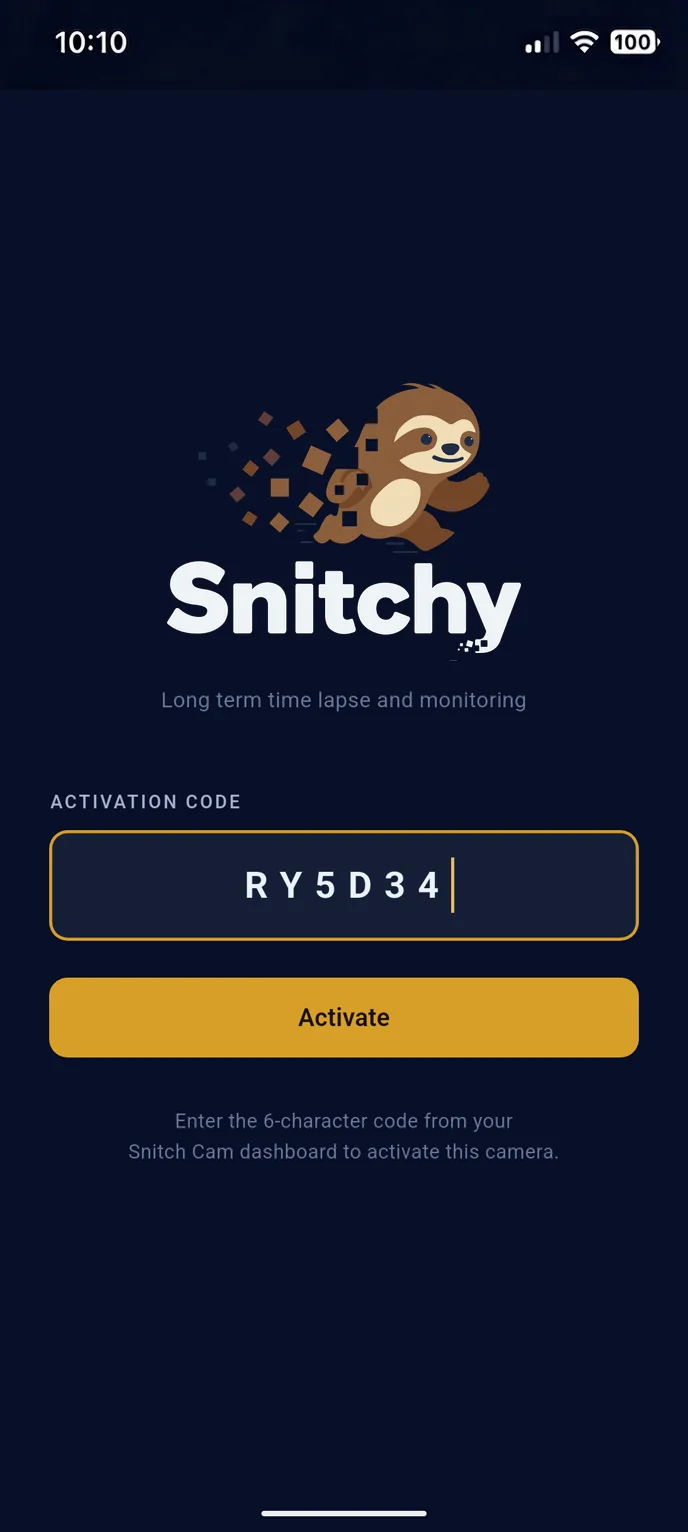
Open Snitchy Camera and point it at the QR code on your main phone. The two pair up, and the camera appears in your app. You can also type in the activation code shown with the QR.
Then finish the Setup Checklist. Snitchy Camera shows it straight after pairing. Work through every item before you mount the phone. Unfinished items are the number one reason cameras stop. See the checklist →
-
Mount it and frame the shot
Fix the camera phone somewhere stable with a clear view of the whole build, plug it into power, and line up the shot. Include a little sky - buildings grow upward. Then check your main phone: the first captures should be rolling in.
 Sloth-approved mounting tips
- Keep it out of reach and out of the weather.
- Power always - a battery alone won't last the build.
- Clean the lens before you walk away. Future you says thanks.