
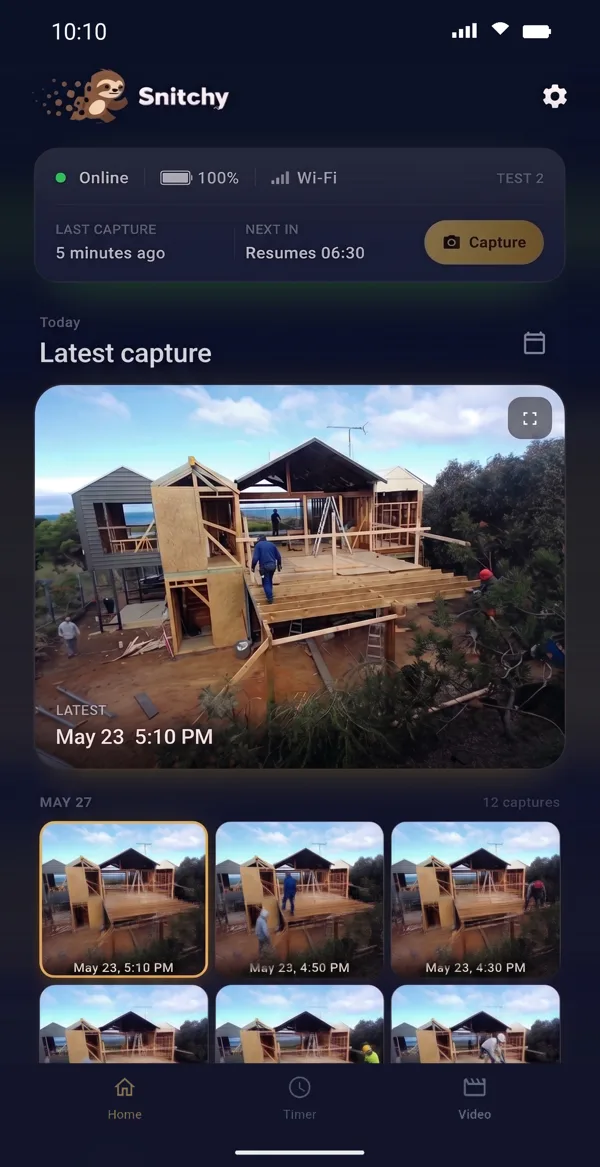
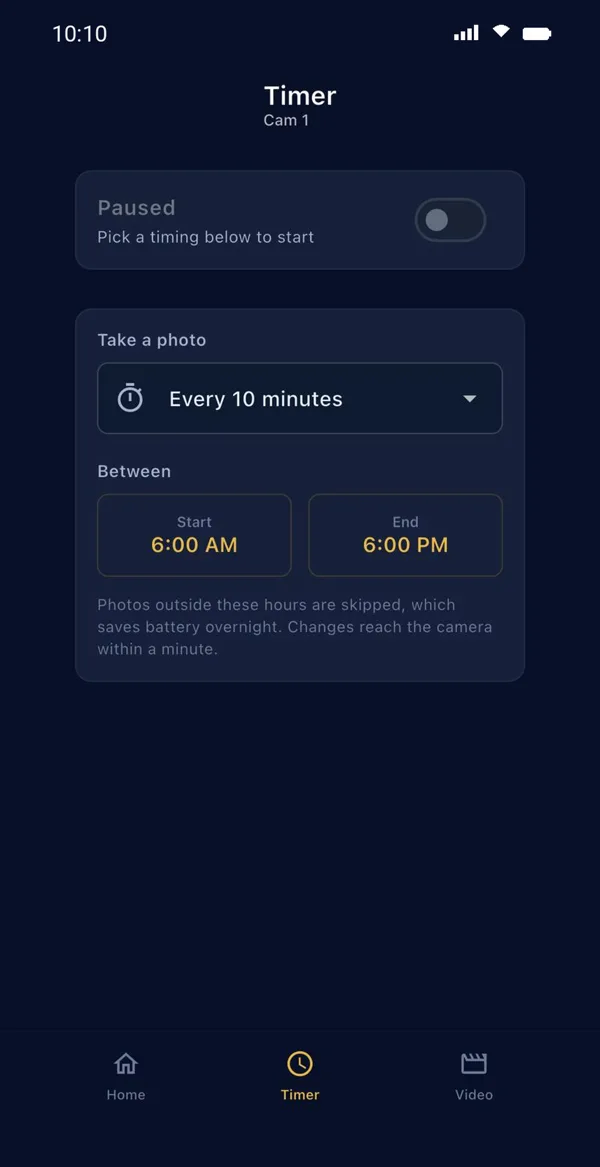
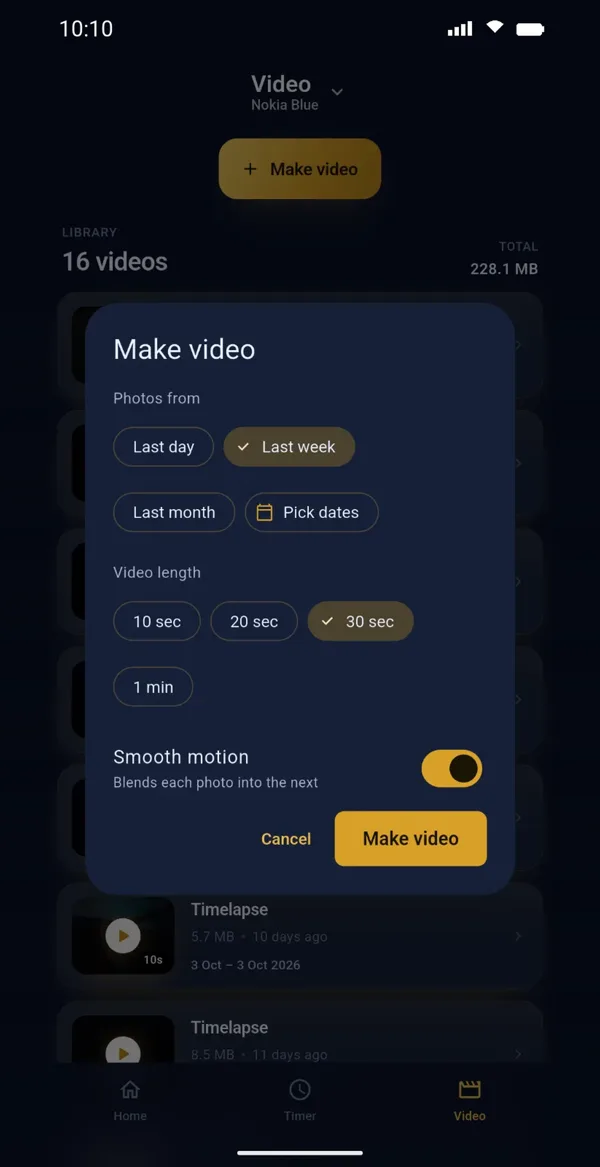
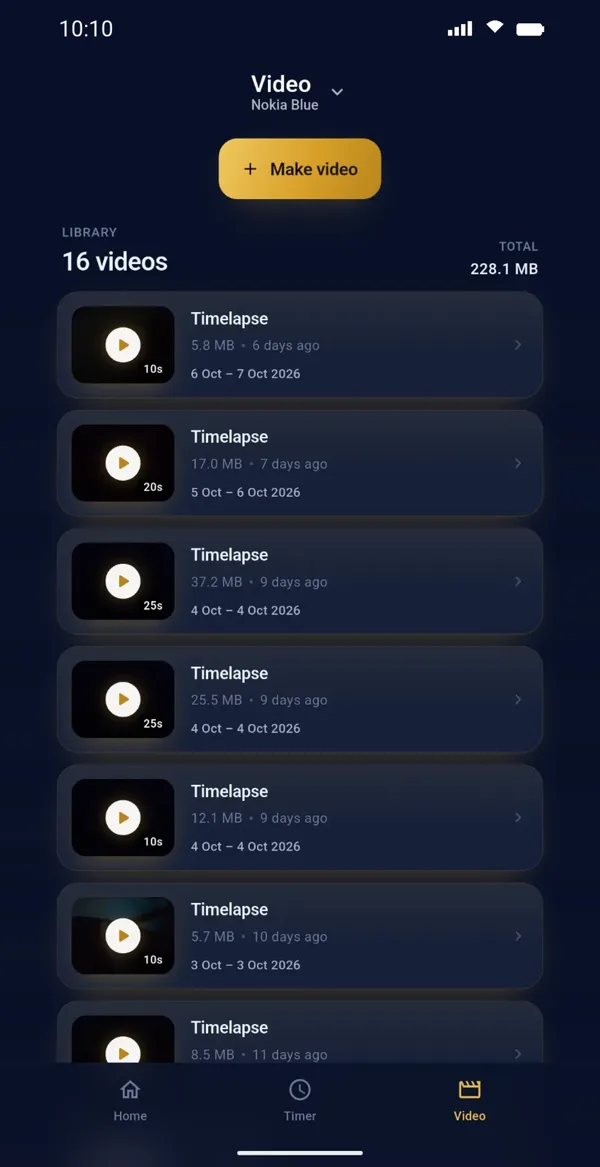
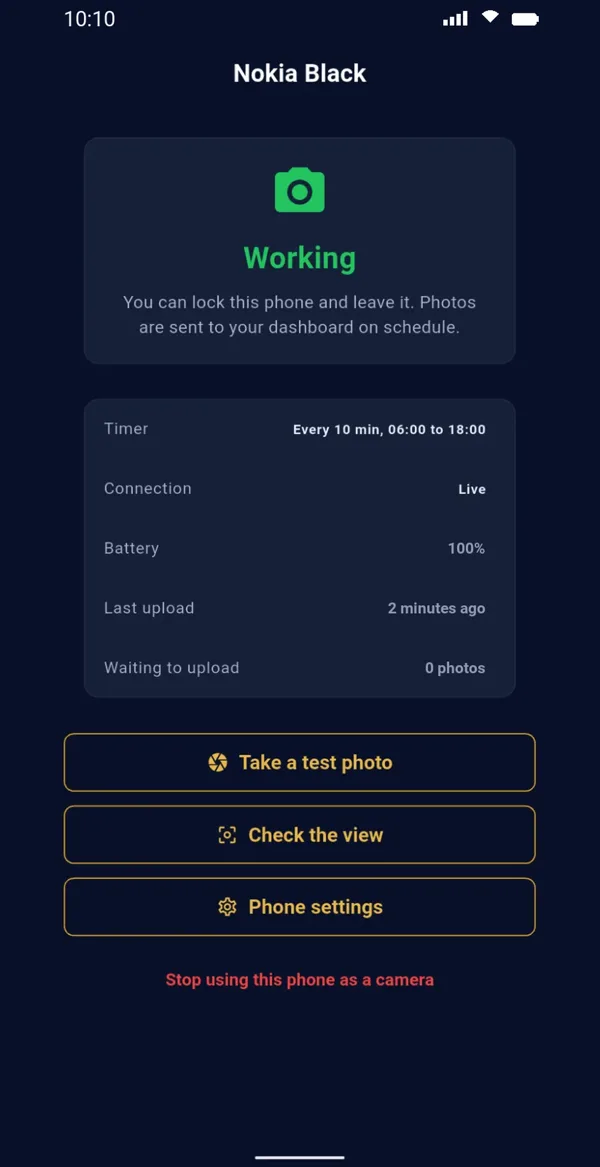
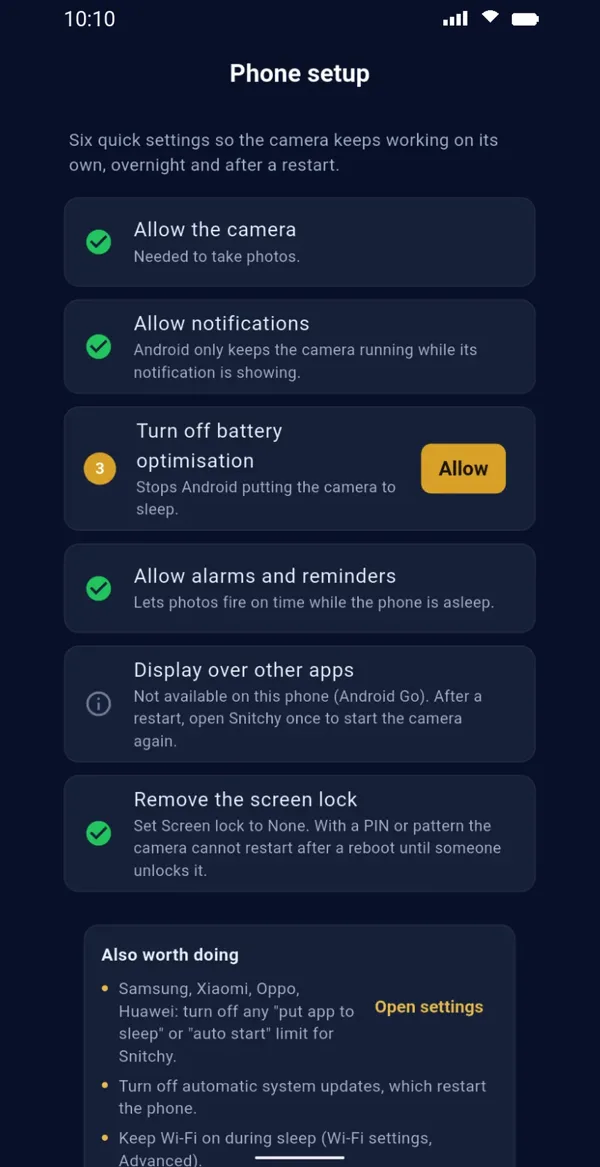
That old phone in your drawer? It just became a security-grade time lapse camera. Point it at your build, your garden, your project.
Works on Android and iPhone. Free to start.
"I have multiple sites I need to keep an eye on. Snitchy lets me check them all from my ute, and the time-lapses are my Insta content sorted."
Two phones, two apps. Camera app: Android. Dashboard app: Android + iPhone.
Get Snitchy and create a free account. This is the app you watch your camera from. Dashboard app: Android + iPhone.
Get it on Google Play Download on the App Store
The Dashboard walks you through installing the Camera app on your old phone. This is the app that captures the photos. Camera app: Android.
Open the Dashboard on your main phone and tap Add Camera. It shows a 6-character code. Type that code into the Camera app on your old phone and tap Activate. The two phones are now linked.
Installing straight onto the old phone? Get the Camera app on Google Play.
Stand your old phone on a steady mount, plug it into a charger, and pick a capture interval in the app. Walk away. Check in any time from your main phone.
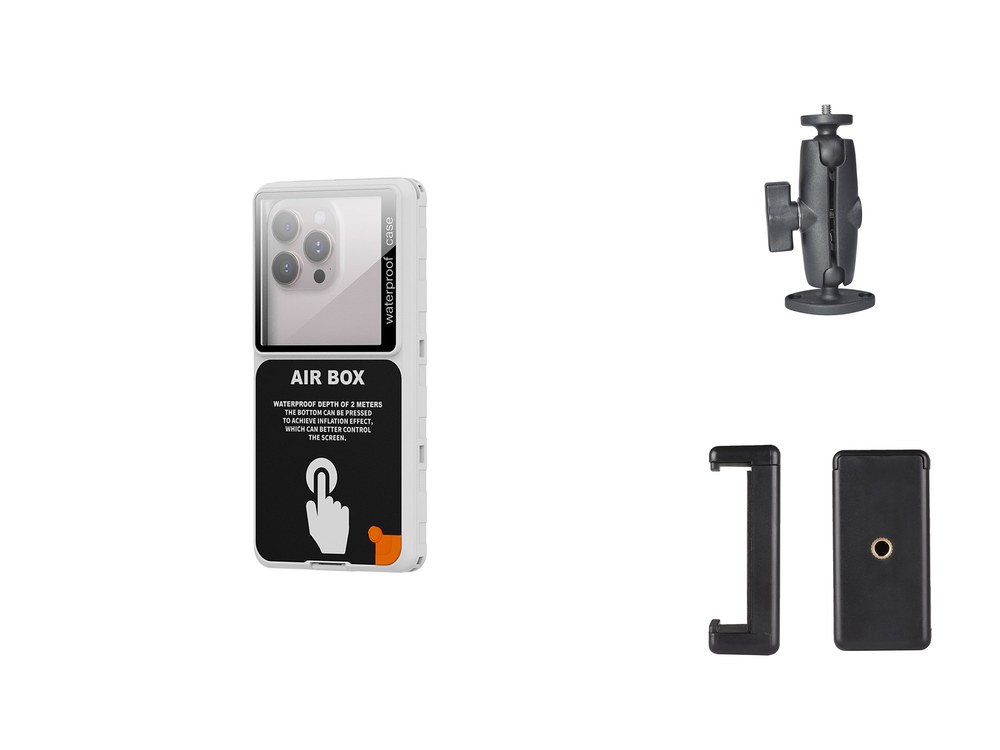
Mounts, outdoor cases, and solar panels designed for your camera phone are on the way.
Go to storeSnitchy hardware is coming soon. Join the list to hear the day it ships.
Yep. The free plan gets you one camera, scheduled captures, and time lapse videos. Pro adds more cameras and editing tools when you want them.
No SIM needed. Wi-Fi is all it takes. A hotspot from another device works fine too.
Not much. Snitchy uploads photos, not a live video stream. A typical setup uses a few hundred megabytes a month. Longer capture intervals use even less.
It does. Keep the glass clean and the lens close to it to dodge reflections. Plenty of Snitchy cameras live inside, pointing out.
The Camera app runs on Android. If the phone turns on and gets the Play Store, you're in business. The Dashboard app runs on Android and iPhone.